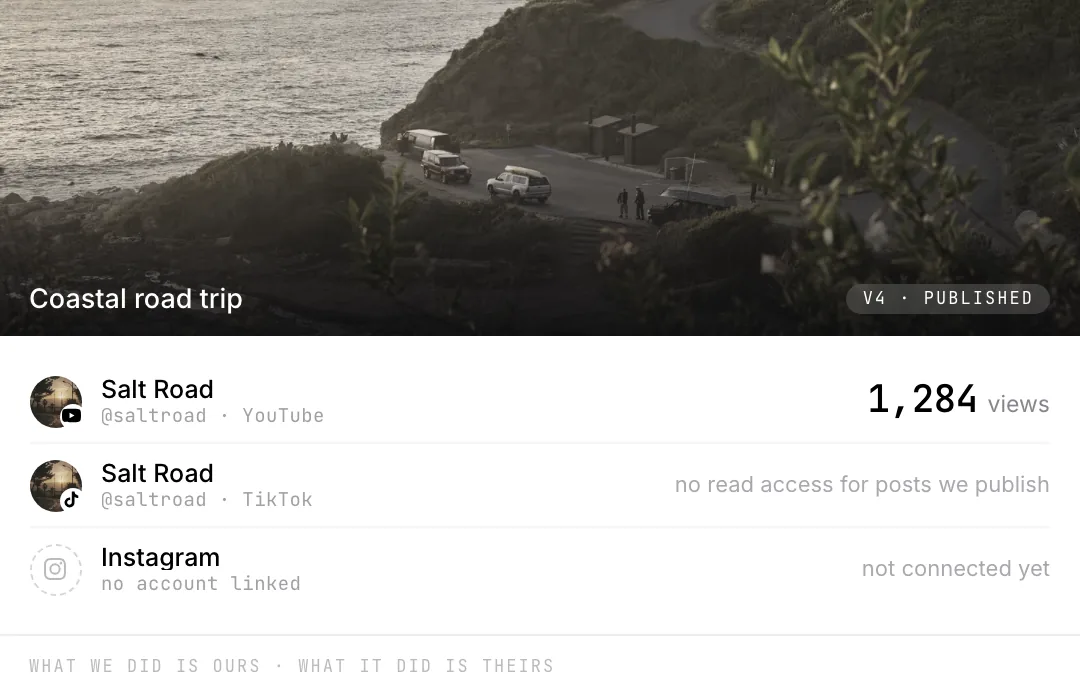
Three destinations
YouTube Shorts, Instagram Reels and TikTok, sent from the export you already made.
Each one on its own
One platform taking it while another rejects it is normal. Both outcomes are written down.
It fails where you can fix it
A missing connection stops the post with the reason, instead of retrying something only you can undo.
Only what comes back
Views arrive from YouTube. Where a platform reports nothing you get the reason, not a zero.
What went out is ours. What it did is theirs.
We always know what we sent. Two of three platforms won’t say what it did.
See it on your own postsDestinationsSends · Reports
YouTube
Publishes when the render lands
Views, likes, comments, watch time
Publishes to a Business or Creator account
Nothing, under the permissions we ask for
TikTok
Lands in your drafts, one tap to publish
Nothing, under the permissions we ask for
The other way in is Clive.
It posts while you are still live.
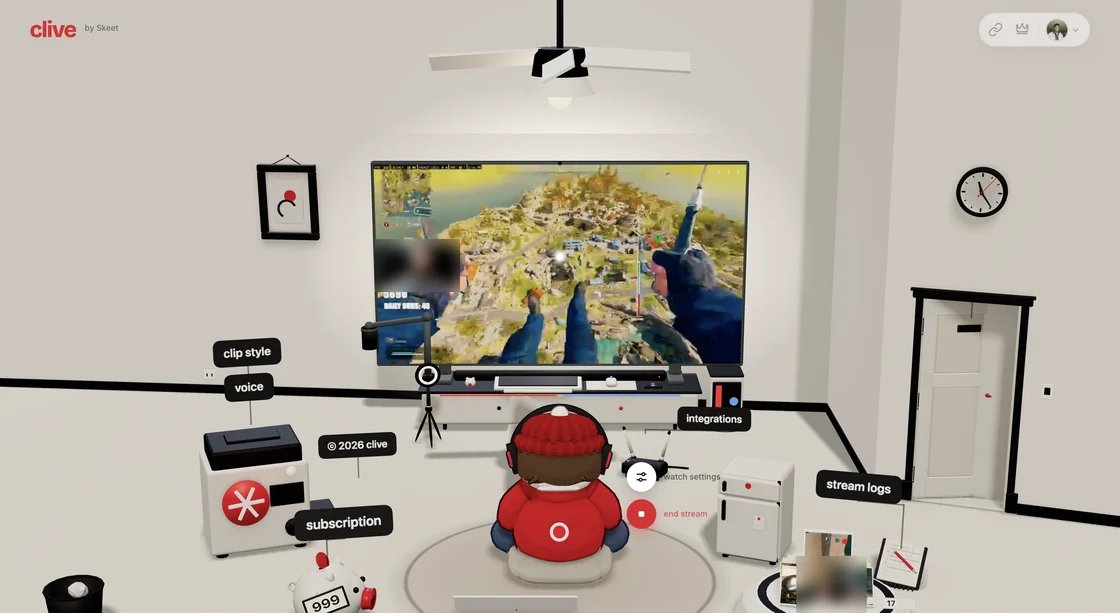
Clive watches a stream, cuts the moments worth keeping and sends them to the same three places, without waiting for you to finish. Same posters, same record of what happened.
Not here yet
Three platforms, not every platform
No X, no LinkedIn. Facebook can be connected and has no poster behind it, so it is shown grayed rather than letting you schedule something that cannot go out.
Nothing watches trends for you
There are no alerts for trending audio or hooks, and nothing reformats a cut for “viral potential”. What goes out is the video you made.
One caption, not one per platform
The studio sends the same copy everywhere. Clive writes a title and hashtags per clip from its own analysis, and that stays on the Clive side for now.
TikTok usually lands in your drafts
Their posting API drops uploads from unaudited apps into your inbox, so a clip arrives ready and you tap publish. That is their rule, not ours, and it changes when the app is approved for direct publishing.
One editor, open in a browser tab.
Your footage in it, and everyone you invite.

Bring your own footage.
Start editingWhat else is in here.
What it costsEach of these is as clear about what is missing as this page was.
ColorAsk for a look, then take the wheels yourself. Curves, LUTs and blend modes.Versions and historyNamed save points, an undoable restore, and links pinned to one version.AudioCuts land on a measured tempo. Music ducks off the transcript, not loudness.MonitoringFour scopes reading the frame you are looking at. Standard range only.The scheduleA calendar inside the editor. Finish the cut now, post it on Thursday.The studioThe editor itself: a timeline in a tab, an assistant that has watched the footage.CliveWatches your stream and posts the clips before you log off. Its own product.Keeping a look consistentNothing scans your brand guide. Shared looks make the right one the easy one.Skeet on the desktopNo installer. It runs in the tab, on your own hardware.Skeet on a phoneNo app to install. A cut you send opens in any phone browser.