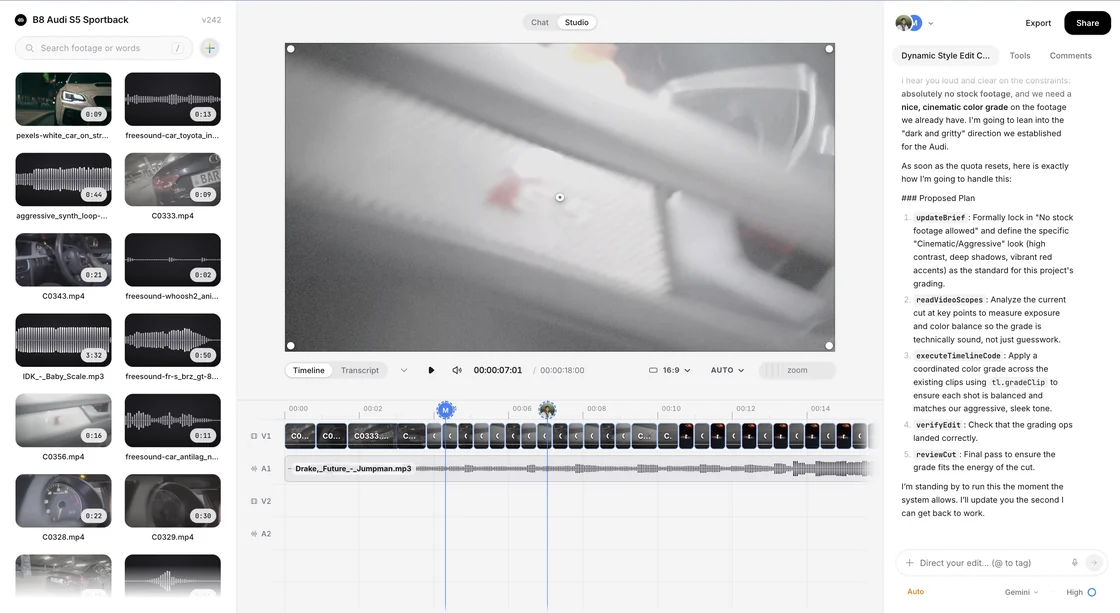
Named save points
Freeze the timeline under a name. It stays exactly as it was while you carry on cutting.
Restoring is undoable
The current cut is saved as its own version first, so going back can itself be gone back on.
Links point at one version
A review link is pinned to the cut you sent, never to whatever the timeline became after.
It asks before it writes
If the cut moved on since that version, the restore says so and waits for a second press.
One timeline, not a folder of exports.
Everyone lands on the same timeline, so there is no final_v7 to chase down.
Bring your team in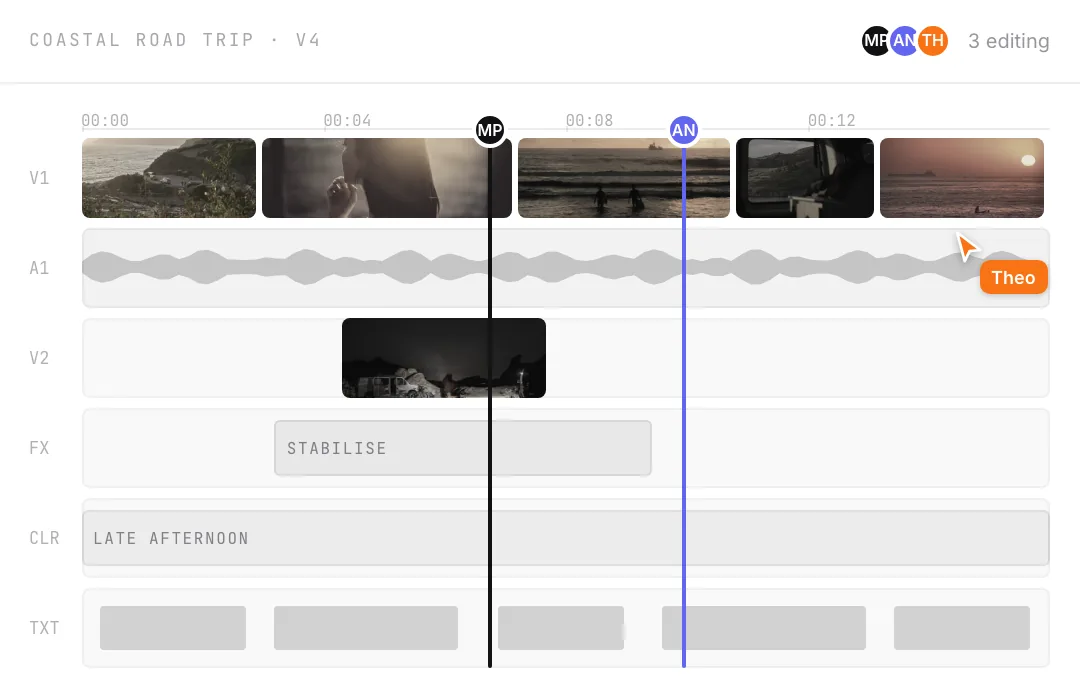
No branches. No merges.
This is history, not source control.
Branching
Not built. One timeline per project, and one line of history behind it.
Merging
Not built. Two versions cannot be combined. You restore one of them.
A diff between versions
Not built. You can open a version and watch it; nothing lists what moved.
Asset lineage
Not built. History covers the cut, not where each file in it came from.
One editor, open in a browser tab.
Your footage in it, and everyone you invite.

Bring your own footage.
Start editingWhat else is in here.
What it costsEach of these is as clear about what is missing as this page was.
ColorAsk for a look, then take the wheels yourself. Curves, LUTs and blend modes.PublishingOne queue for YouTube, Instagram and TikTok. Only YouTube reports back.AudioCuts land on a measured tempo. Music ducks off the transcript, not loudness.MonitoringFour scopes reading the frame you are looking at. Standard range only.The scheduleA calendar inside the editor. Finish the cut now, post it on Thursday.The studioThe editor itself: a timeline in a tab, an assistant that has watched the footage.CliveWatches your stream and posts the clips before you log off. Its own product.Keeping a look consistentNothing scans your brand guide. Shared looks make the right one the easy one.Skeet on the desktopNo installer. It runs in the tab, on your own hardware.Skeet on a phoneNo app to install. A cut you send opens in any phone browser.